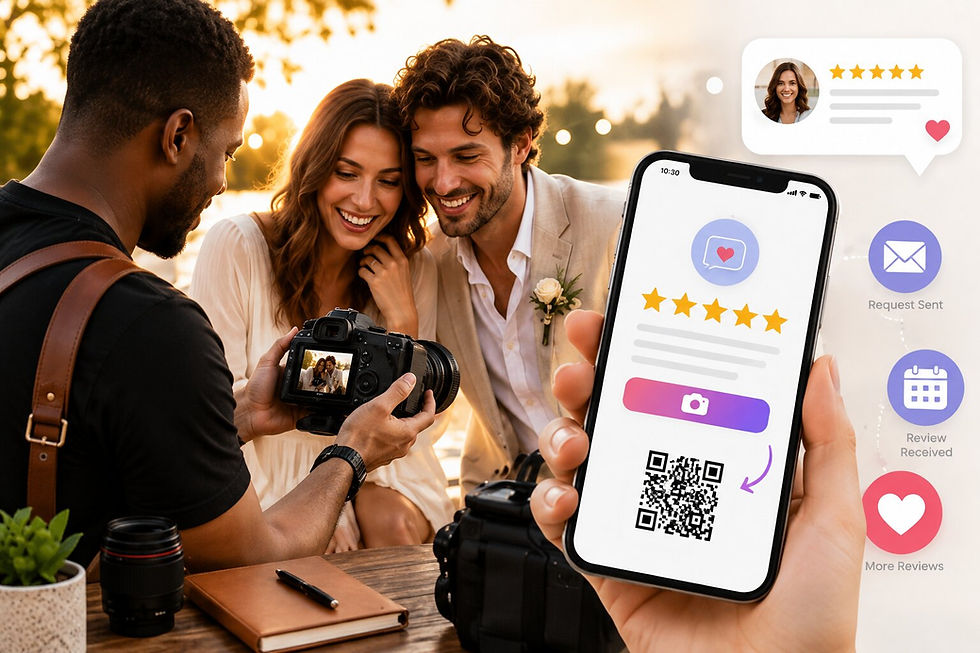
How to Collect Google Reviews Automatically After Every Calendly Appointment

Updated: Aug 8

If you use Calendly to book appointments, you already have something most local businesses don't: a reliable, predictable moment right after every customer interaction ends.
You know when the appointment finishes. You know the customer's email address. And you know that the first 30 to 60 minutes after a good experience are when a customer is most likely to actually leave a review.
Most businesses waste that window. They either send a generic email days later, ask staff to mention it at checkout, or do nothing at all.
QuickFeedback's Calendly integration closes that gap automatically.
How to Get Reviews After a Calendly Appointment Automatically
When you connect your Calendly account to QuickFeedback, every completed appointment triggers a feedback request email to your customer, automatically, with no staff involvement.
The email goes out at a time you choose: 30 minutes (the default), 1 hour, or 24 hours. The customer clicks a link in the email, which opens the standard QuickFeedback feedback flow, the same one your walk-in customers use when they scan your QR code.
No new software for your customers to learn. No login. No app. Just a quick tap from their inbox.
Setup: Under 2 Minutes
Here is exactly how to connect it:
In your QuickFeedback dashboard, go to Settings → Integrations
Click Connect Calendly
Authorize QuickFeedback to access your Calendly account
Select which QuickFeedback Flow to use, you'll see all your existing flows by name
Select your email timing, how long after the appointment ends before the email goes out
Save
That's the entire setup. From that point forward, every completed appointment generates a feedback request automatically.
If an appointment is cancelled before it happens, no email is sent. If an appointment is rescheduled, QuickFeedback updates the send time automatically. You don't have to touch anything.
What Your Customer Receives
After the appointment ends and your chosen delay passes, your customer gets an email from your business name asking for feedback on their visit.
They click the link. The QuickFeedback flow opens, it asks how their experience was. They tap to share their thoughts, and if they want to write a Google review, the Write with AI feature (available on paid plans) can turn a few words into a full, polished review they can post with one tap.
Every customer who completes the flow reaches the same final screen with the option to leave a public review on Google, whether their experience was great or not. QuickFeedback is a listening tool, not a filter.
Why the Timing Matters
The window right after a positive appointment is when customer goodwill is at its highest. A client who just finished a productive coaching session, a guest who just left a spa feeling great, or a customer who just had a great service experience, those people are primed to say something good. Ask them the next day, and that feeling has faded. Ask them a week later, and most won't bother.
The 30-minute default is deliberate. It's long enough for the customer to be out the door and settled, but short enough that the experience is still fresh and the motivation to share it is still there.
Who This Is For
The Automated Feedback Calendly integration is designed for any appointment-based business where the customer relationship ends at a specific, known time such as:
Salons and barbershops: the appointment wraps up at a set time
Nail salons and estheticians: each service has a clear finish
Spas and wellness businesses: services have clear end times
Tattoo and piercing studios: every session is a discrete booking
Coaches and consultants: every session is a discrete interaction
Personal trainers: clients train and leave
Tutors and driving instructors: each lesson is time-boxed
Photographers and videographers: sessions are booked and scheduled
Auto detailing and car washes: the customer drops off and picks up on a schedule
Pet groomers: scheduled drop-off and pickup
Law firms and financial advisors: consultations are time-boxed
If your business also takes walk-in customers, your existing QuickFeedback QR code handles those. The Calendly integration handles the scheduled side and both feed into the same dashboard.
What Happens to the Data
QuickFeedback stores the minimum information required to send the feedback email. Appointment records are automatically deleted on a schedule you control 15, 30, or 60 days after the appointment, or immediately after the feedback email has been sent.
Feedback itself is kept. Attribution is also kept, so your reports show which reviews and responses came through the Calendly flow versus your QR code even after the appointment record has been cleaned up.
One Less Thing to Remember
The biggest reason most appointment-based businesses don't collect enough Google reviews is that the ask depends on someone remembering to do it. A front desk team member has to bring it up. A follow-up email has to be written and scheduled manually. Staff has a busy day and it slips.
The Calendly integration removes the human step entirely. You set it up once, and every appointment that completes automatically generates a feedback request to the right person at the right time.
If you already use Calendly to run your business, adding QuickFeedback takes under 2 minutes and from that point forward, the follow-up never gets skipped.
Start collecting feedback after every appointment with the free plan. No credit card required.quired.