


Collect feedback
Two ways in. One flow.
Automatic after each appointment, or on your terms with a link or a code. Both land on the same private-feedback-first flow, and the same review option for everyone.
Hands off
Automated Feedback
Connect your scheduling tool once. Every completed appointment sends a private feedback request by email on its own. No lists to upload, no reminders to chase.
Calendly · Live
Acuity · Soon
SMS · Soon
WhatsApp · Soon
or
On your terms
QR Feedback
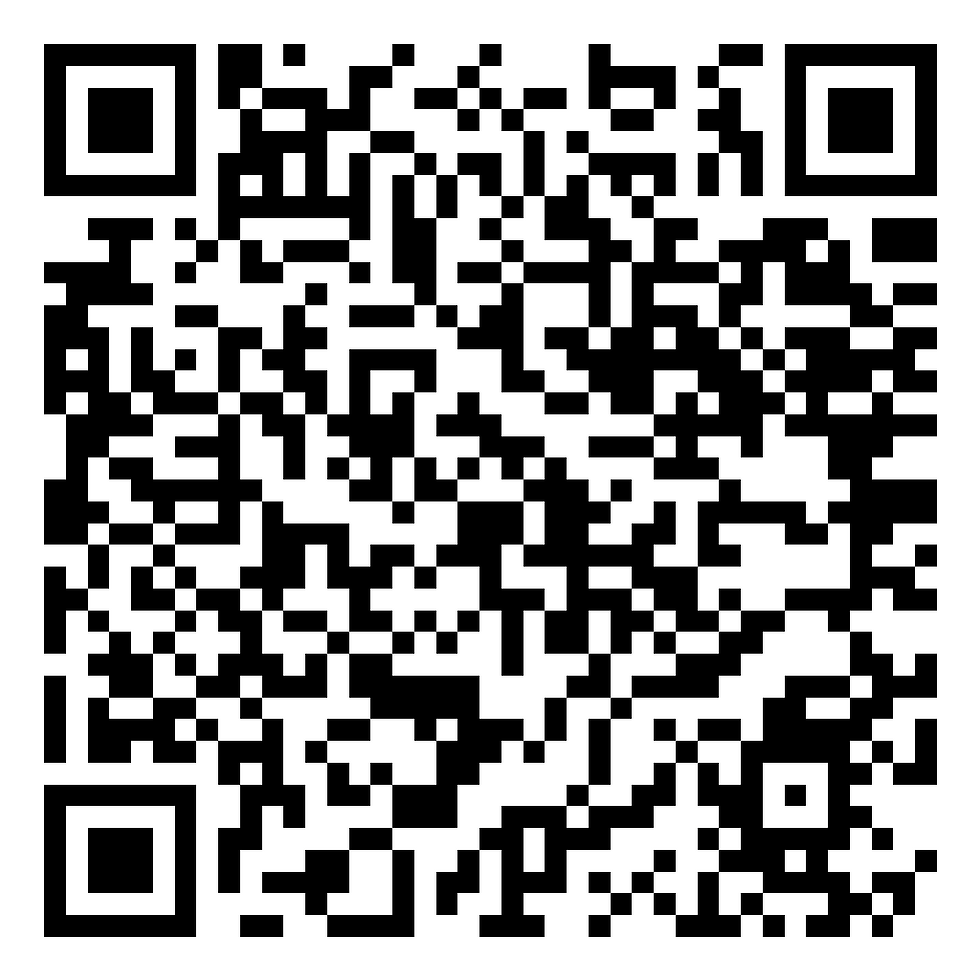
One feedback page. Share it as a link, or print it as a QR code.
Drop the link in an email signature, a follow-up text, a DM, an invoice, or the chat at the end of a call. Print the code for anyone you meet in person. Every client reaches the same flow and the same review option.
app.quickfeedback.ai/f/your-business
01
Rate the session
Thumbs up or thumbs down. Both paths go to the exact same next step.
02
Share privately
The client writes in their own words. Write with AI polishes their text, but only after they type first.
03
Leave a public review
Everyone reaches the same review option. Review Link Rotation routes them to the platform you choose, like Google, Trustpilot, or Facebook.
The same three steps for everyone
Whether the system sent it or they scanned a code.
Your data, briefly
Session data auto-deletes on a schedule you set. Your Calendly connection is encrypted.
Balanced links
Review Link Rotation cycles between up to three platforms instead of stacking on one.
You hear it first
Feedback is private before it is ever public, so you can follow up with a client directly.

Why consultants use QuickFeedback to grow client reviews
Consulting is a referral business. Your next client usually comes from the last one's recommendation, which makes public reviews some of the most valuable marketing you have. But asking for a review at the end of an engagement feels awkward, and between deliverables and the next pitch it rarely happens. QuickFeedback makes the ask for you, automatically, after every completed session.
Connect Calendly once and a short feedback request goes out the moment a session is marked complete. The client rates the work, adds a quick note, and reaches a one-tap path to post a public review. Because feedback reaches you privately before it is public, you learn how an engagement really landed and can follow up directly when something needs attention.
Over a quarter that becomes a steady stream of fresh reviews on the platforms that matter to your practice, plus a private read on what clients value most about working with you. No manual follow-ups, no awkward asks, and nothing added to your week.
Questions consultants ask
How do I get more reviews for my consulting business?
Connect Calendly to QuickFeedback and a short feedback request goes out automatically after every completed session. Each client rates the work, shares a quick note, and reaches a one-tap path to leave a public review. You collect reviews steadily without ever asking in person.
Does QuickFeedback work for remote consulting?
Yes. QuickFeedback connects to Calendly, so the request goes out as soon as a session is marked complete, whether you met in person or over video. Nothing changes in how you run your calls.
Will clients feel pressured to leave a review?
No. Every client first shares feedback privately, then reaches the same simple option to post a public review. You receive the private note either way, and no client is pushed.
Where do the public reviews go?
Wherever you choose. Review Link Rotation sends clients to up to three review sites, like Google, Trustpilot, or Facebook, so your profiles stay balanced instead of every review landing in one place.