


Collect feedback
Two ways in. One flow.
Automatic after each appointment, or on your terms with a link or a code. Both land on the same private-feedback-first flow, and the same review option for everyone.
Hands off
Automated Feedback
Connect your scheduling tool once. Every completed appointment sends a private feedback request by email on its own. No lists to upload, no reminders to chase.
Calendly · Live
Acuity · Soon
SMS · Soon
WhatsApp · Soon
or
On your terms
QR Feedback
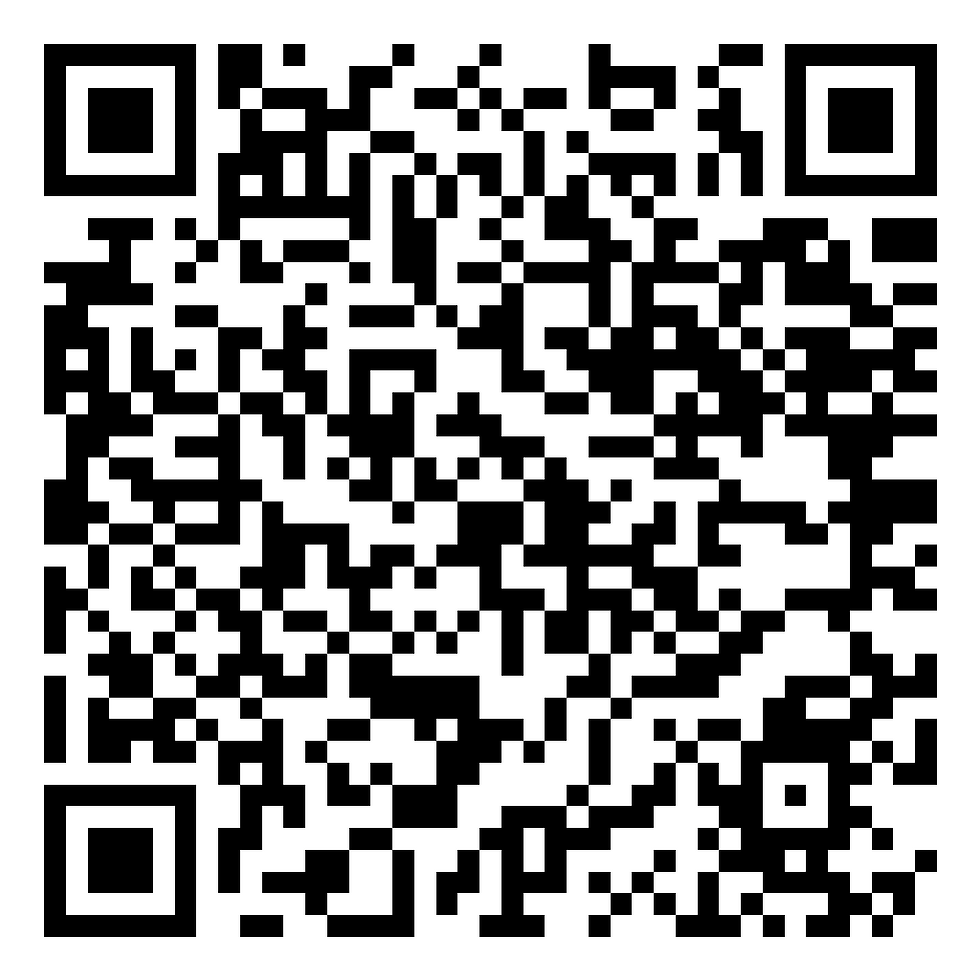
One feedback page. Share it as a link, or print it as a QR code.
Drop the link in an email signature, a follow-up text, a DM, an invoice, or the chat at the end of a call. Print the code for anyone you meet in person. Every client reaches the same flow and the same review option.
app.quickfeedback.ai/f/your-business
01
Rate the session
Thumbs up or thumbs down. Both paths go to the exact same next step.
02
Share privately
The client writes in their own words. Write with AI polishes their text, but only after they type first.
03
Leave a public review
Everyone reaches the same review option. Review Link Rotation routes them to the platform you choose, like Google, Trustpilot, or Facebook.
The same three steps for everyone
Whether the system sent it or they scanned a code.
Your data, briefly
Session data auto-deletes on a schedule you set. Your Calendly connection is encrypted.
Balanced links
Review Link Rotation cycles between up to three platforms instead of stacking on one.
You hear it first
Feedback is private before it is ever public, so you can follow up with a client directly.

Why interior designers use QuickFeedback to grow client reviews
Interior design is built on trust and word of mouth. Prospective clients want to see that past clients loved the result before they invite you into their home and their budget. Recent public reviews are some of the most persuasive proof you have. But asking for a review at the end of a project is easy to let slip once the install is done and the next client is waiting. QuickFeedback makes the ask for you, automatically, after every completed session.
Connect Calendly once and a short feedback request goes out the moment a session is marked complete. The client rates the experience, adds a quick note, and reaches a one-tap path to post a public review. Because feedback reaches you privately first, you learn how the work really landed and can follow up directly before anything needs attention.
Over a year that becomes a steady stream of fresh reviews on the platforms new clients check, plus a private read on what people value most about working with you. No manual follow-ups and no awkward asks between projects.
Questions interior designers ask
How do interior designers get more client reviews?
Connect Calendly to QuickFeedback and a short feedback request goes out automatically after every completed session. Each client rates the experience and reaches a one-tap path to leave a public review, so reviews grow without you chasing anyone.
Does this work for project-based work, not just one-off appointments?
Yes. QuickFeedback sends the request as soon as a session or milestone is marked complete in Calendly, so it fits consultations and longer projects alike.
Will clients feel pressured to leave a review?
No. Every client shares feedback privately first, then reaches the same simple option to post a public review. You receive the private note either way, and no client is pushed.
Where do the public reviews go?
Wherever you choose. Review Link Rotation sends clients to up to three review sites, like Google, Trustpilot, or Facebook, so your profiles stay balanced instead of every review landing in one place.